Instrucciones para usar OpenVPN en iOS
Resumen
Conéctate usando el seguro protocolo OpenVPN en iOS: descarga el cliente, importa la configuración y pulsa Conectar. Guía para iPhone y iPad
¿No quieres montar el servidor tú mismo?
Obtener un servidor listo

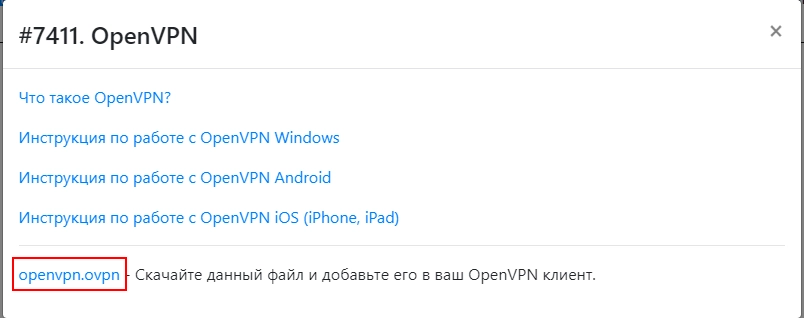
- Descarga el archivo de configuración

- Descarga la última versión para iOS en: https://openvpn.net/vpn-client/ e instálala
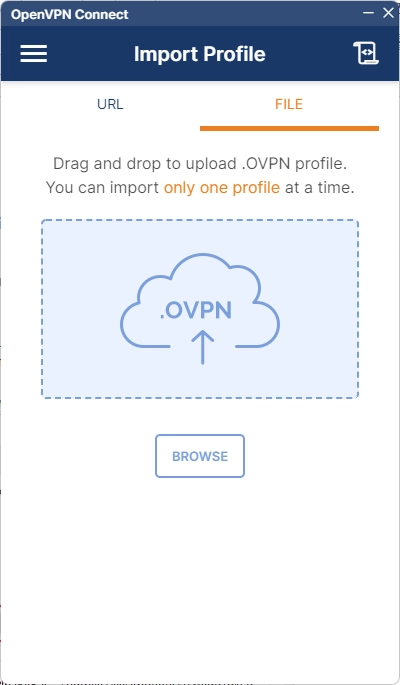
- Abre la aplicación instalada
- Importa el archivo que descargaste
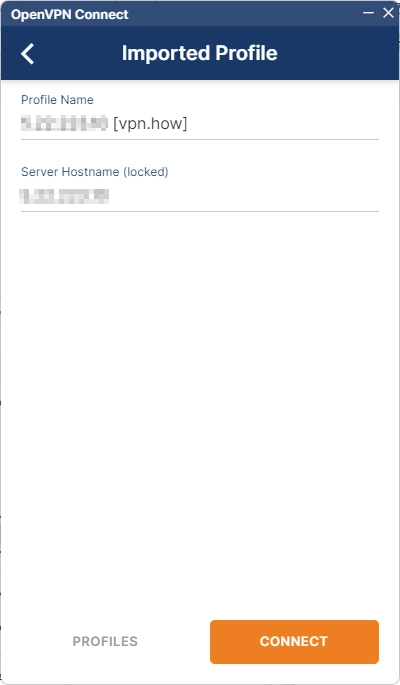
- Espera a que se cargue el archivo de configuración y presiona "Connect"
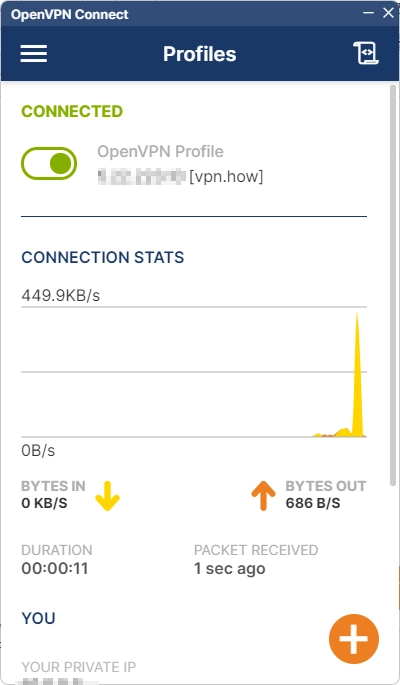
- ¡Listo! Ya estás conectado a través del seguro y cifrado protocolo VPN OpenVPN en iOS
Editor: vpn.how