Start with a link
Import your subscription from the dashboard. Howl saves the profile, so you do not enter an address and port on each launch.
Add your subscription, choose a server and connect. Howl keeps your connection settings in one Android app.
My server dashboard →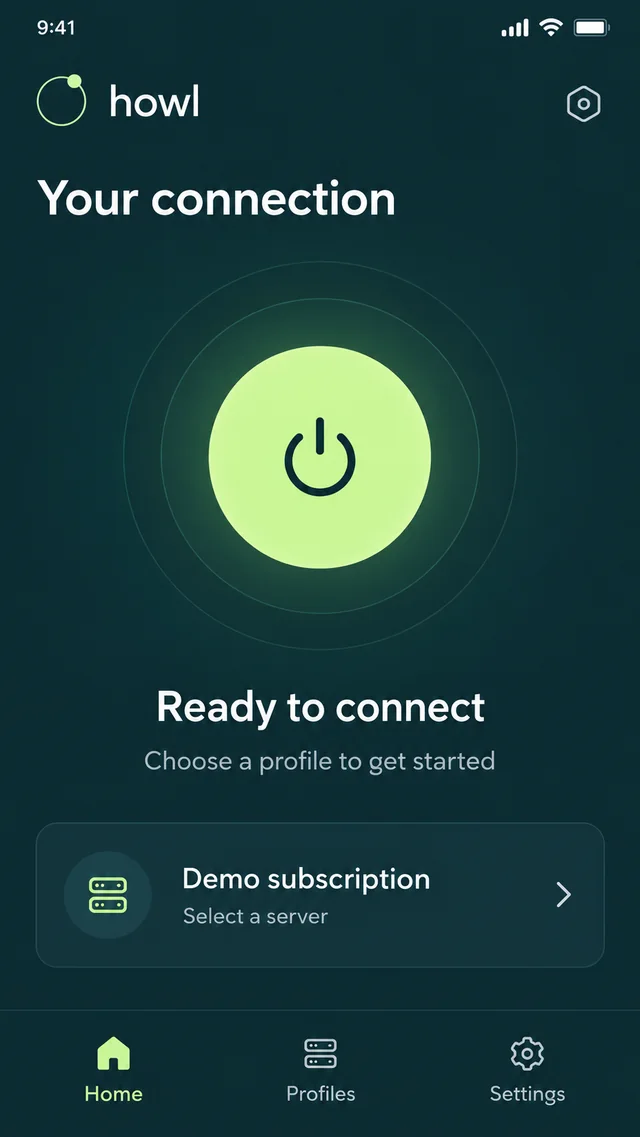
The essentials stay in view. More settings are there when you need them.
Import your subscription from the dashboard. Howl saves the profile, so you do not enter an address and port on each launch.
Choose from the nodes in your subscription. Available locations and protocols depend on your server and configuration.
Set rules for websites and apps. If something goes wrong, start with diagnostics and logs rather than changing everything at once.
Interface illustrations with demonstration data. The current version may look different.
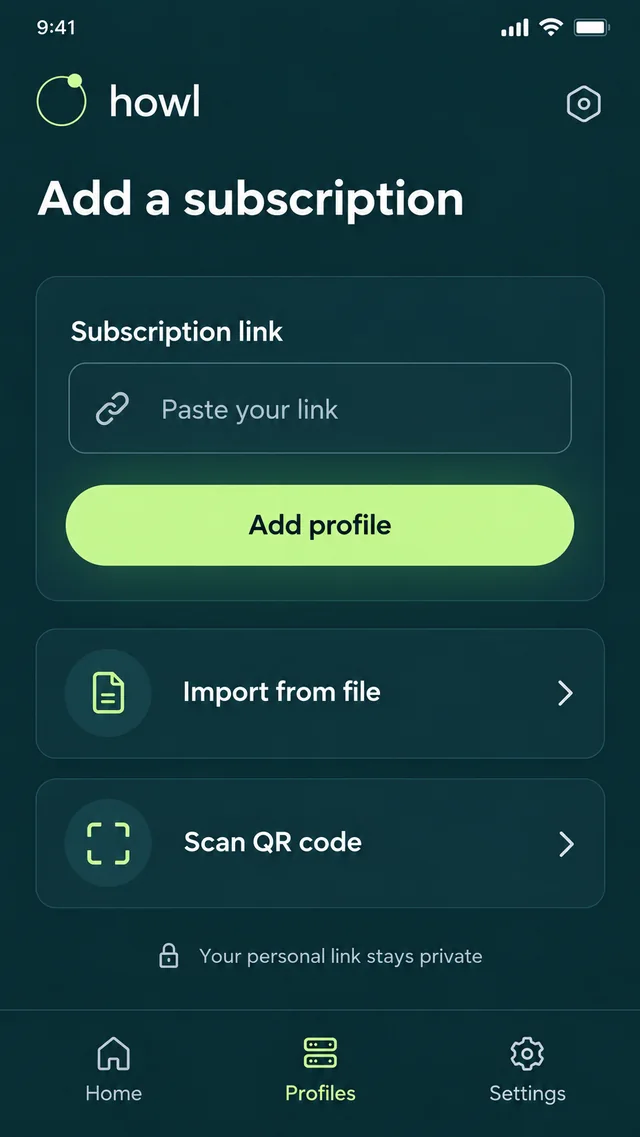
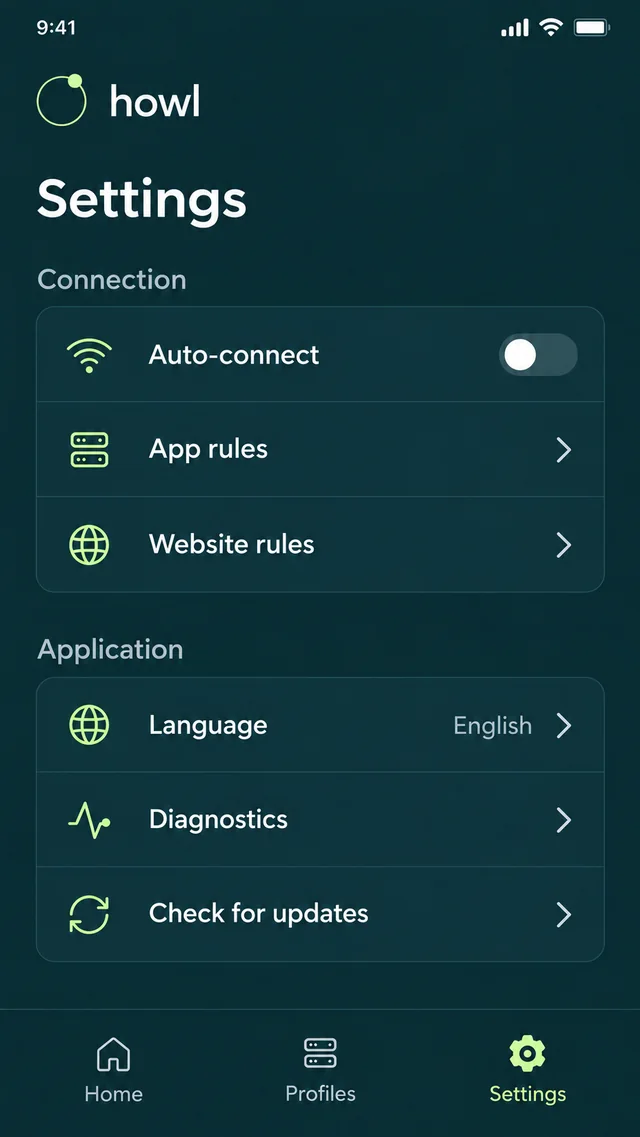
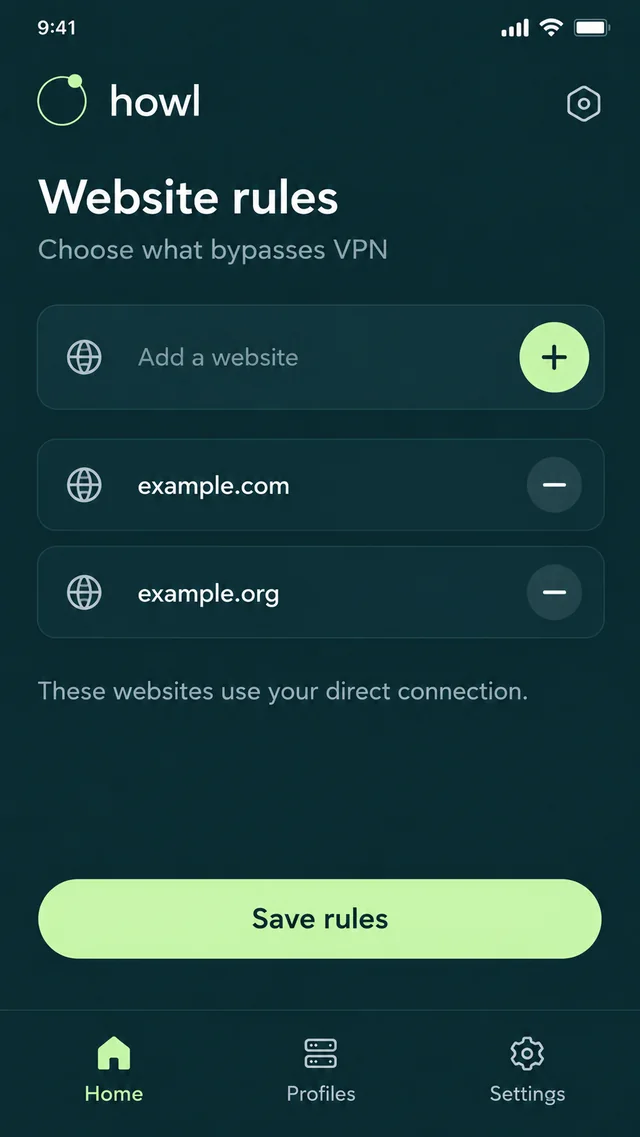
Already have a subscription? Start with import. Otherwise, first get access to a server.
Download the official APK, check the source and open it on Android. If prompted, allow installation only for that source.
Open the dashboard and wait for your server to be ready. If you do not have access yet, start with an available trial on the website.
Use Open in Howl in the dashboard, or paste the link into subscription import. Make sure it is your own link.
Choose a server, tap connect and approve the Android VPN request. Open the website you need. Check Android battery restrictions for background use.
APK for Android 7.0 and later, ARMv7/ARM64. Do not disable device protection globally. If Android blocks installation, verify the source and checksum and contact support if unsure.
File size: 61067061 B
SHA-256 checksum:
6ee374d3f14ad8fe1bad97978ac113ca2f9ed07723b9119115c74b335b75f743The app is free. A server or subscription is required to connect.
Open your server in the vpn.how dashboard. Wait until it is ready, then open it in Howl or copy the subscription link. Treat the link like a password and do not publish it.
No. The app receives settings by importing a subscription or configuration. Your website account manages the server and billing in the dashboard.
Check the server status and access expiry, selected profile and VPN bypass rules. Open diagnostics. If the problem persists, contact support without sending passwords or your subscription link. Connected status alone does not prove every website is reachable.
Avoids unnecessary restarts for unchanged subscriptions. Formatting and field order no longer count as changes. Real changes still apply; profiles and working backups are preserved.
Release details ↗Soft server switching, manually or by the watchdog. New connections use the selected node; existing ones can continue while the previous server remains reachable.
Release details ↗Updated location checks with a separate retry queue, bounded concurrency and clearer results.
Release details ↗Download the app, add your subscription and connect once your server is ready.