Instructions for working with OpenVPN in Android
TL;DR
Get a secure, encrypted OpenVPN connection on Android. You download the app, import your configuration file, wait for it to load, and tap Connect.
Don’t want to set up a server yourself?
Get a ready server

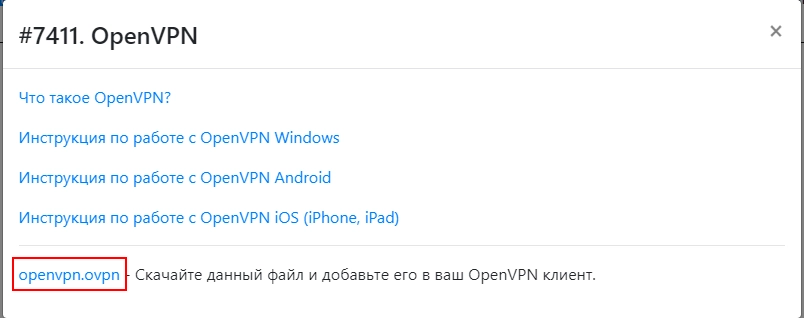
- Downloading the configuration file

- Download the latest version for Android: https://openvpn.net/vpn-client/ and install
- Run the installed program
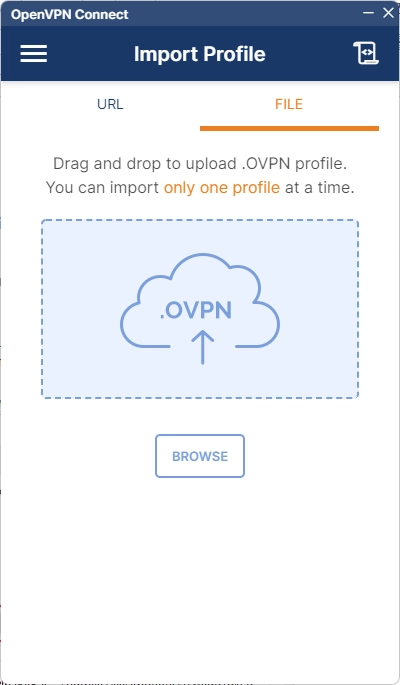
- Import the downloaded file
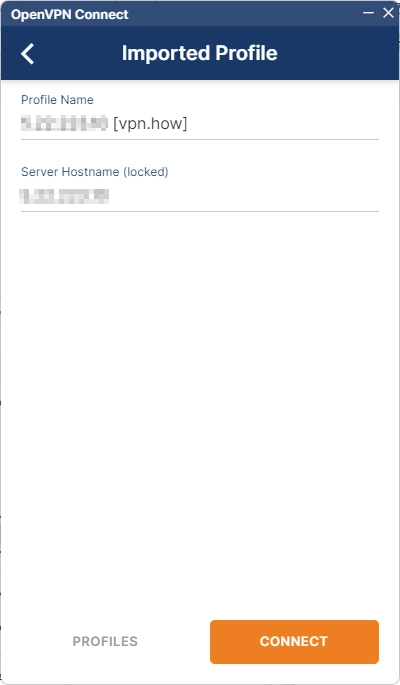
- We are waiting for the configuration file to load and click "Connect"
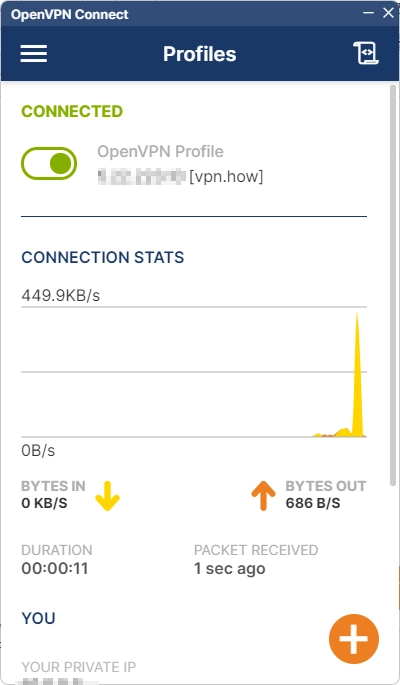
- You're done, you're connected using the secure and encrypted OpenVPN VPN protocol on Android
Publisher: vpn.how